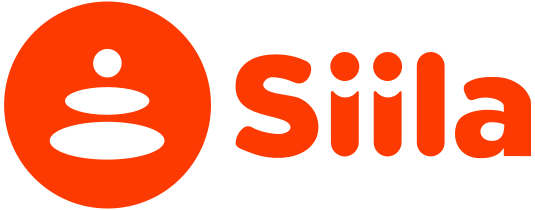
Account & Settings
Manage your account details at a practical level.
Quick Answer
Account & Settings is your control centre for managing personal information, security and notification preferences.
Account Information
Update your personal details including:
- Name and display identity
- Address or location for personalised event discovery
- Social media links to grow your wellbeing network
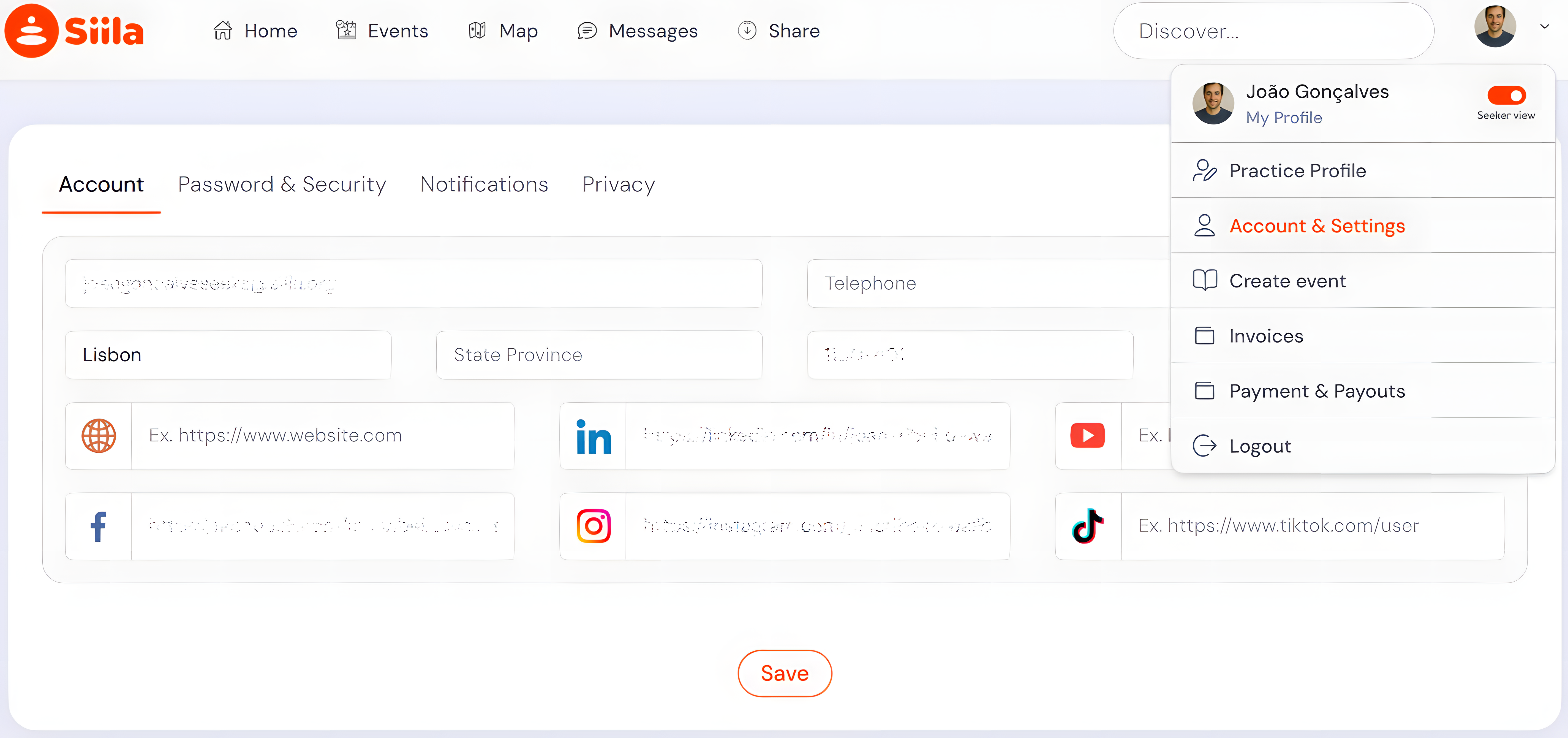
Password & Security
Protect your account with a strong, regularly updated password:
- Open Password & Security.
- Enter your current password.
- Enter your new secure password.
- Save the changes.
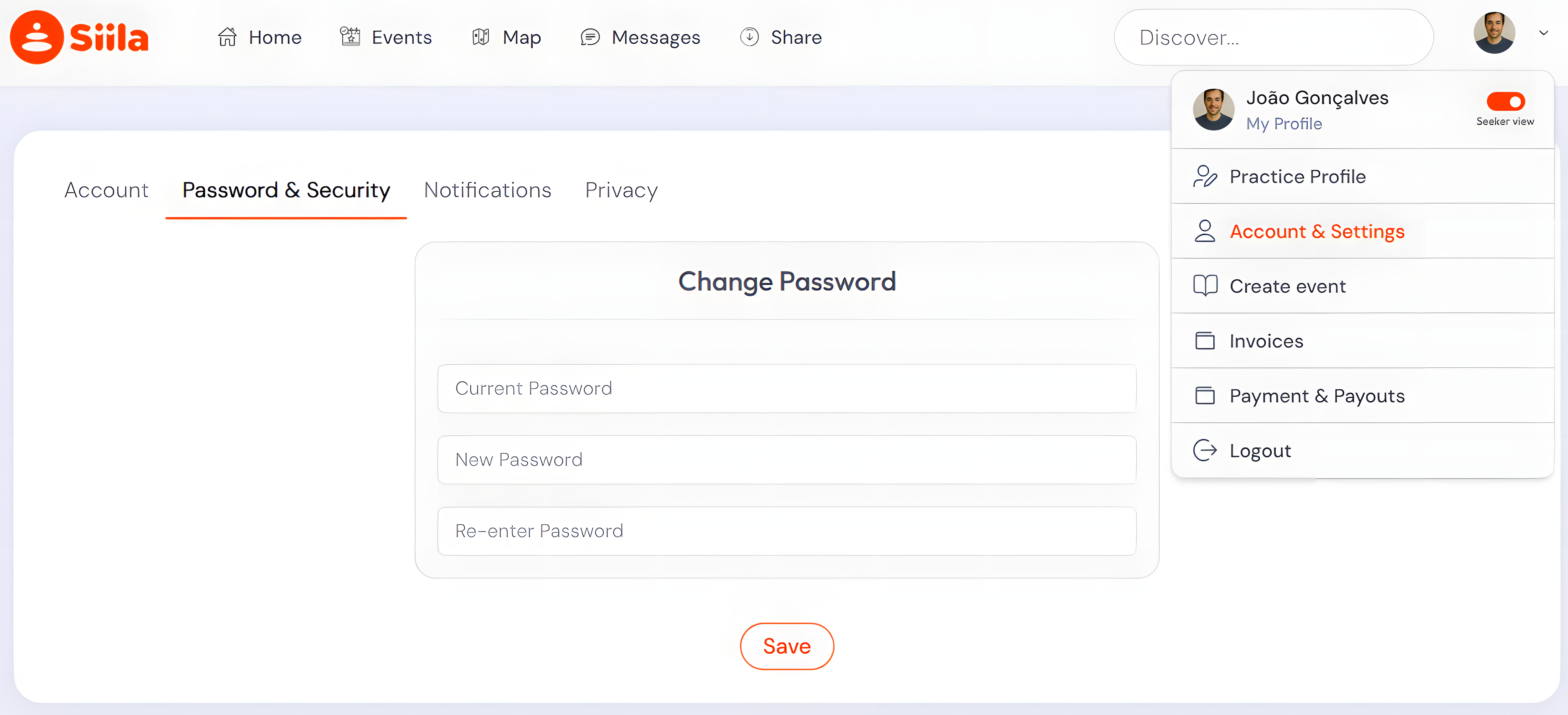
Notifications
Customise which updates and alerts you receive from the community:
- Community newsletters and platform updates
- Event invitations and personalised recommendations
- Inbox messages and direct communications
Privacy Settings
Control how your personal information and location data appear to the community.
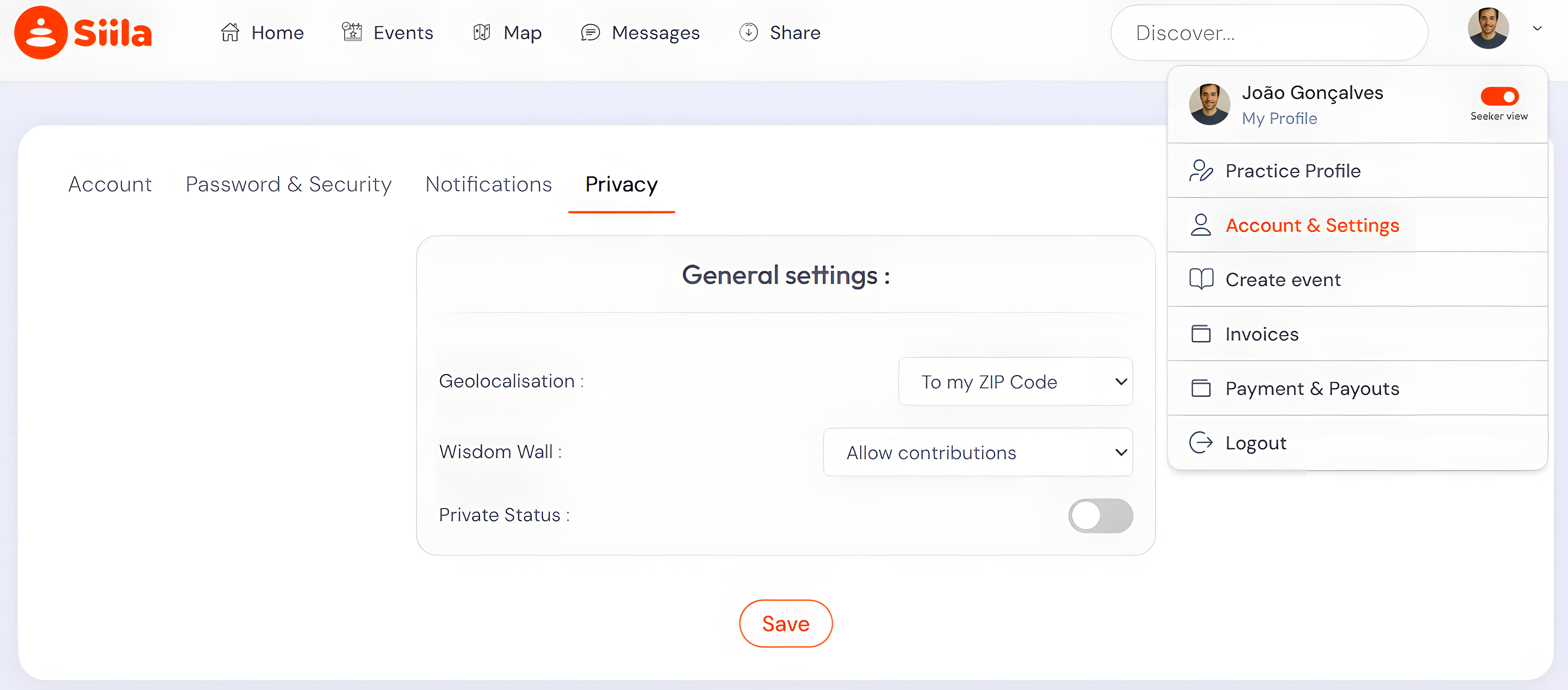
Geolocalisation
Choose how your location is displayed: by ZIP Code or latest GPS location.
Wisdom Wall
The Wisdom Wall is a sacred community space for sharing reflections, insights and healing wisdom. Choose whether to allow contributions from other members or keep it as your personal sanctuary.
Private Status
Enable Private Status to make your profile invisible to other community members, giving you full control over your wellbeing journey.
